enter a keyword in the search box

- よく見られているキーワード
-
- 関連するキーワードで絞り込む
-
After changing the amount, would like to receipt with the changed amount
If you have not received a receipt before the price change, you can issue one yourself from the reservation management screen.
If a receipt has already been issued before the price change, it cannot be reissued from the reservation management screen after the price change.
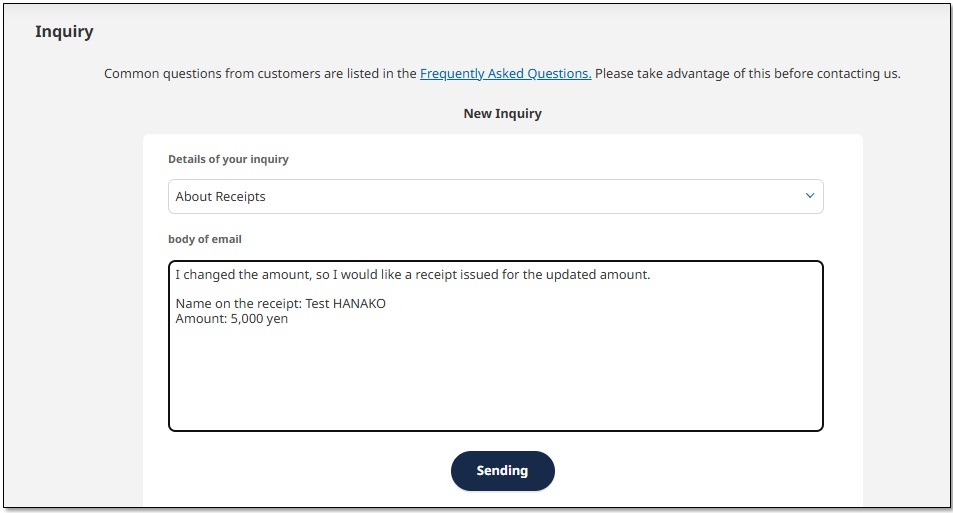
Please select "About Receipts" from the "Inquiries" menu and contact us,
clearly stating the "recipient's name" and "issued amount."
A receipt (PDF) issued by the support center will be sent to you by email.
Was this helpful?
please let us know your thoughts.