enter a keyword in the search box

- よく見られているキーワード
-
- 関連するキーワードで絞り込む
-
How to Login Reservation Management Screen
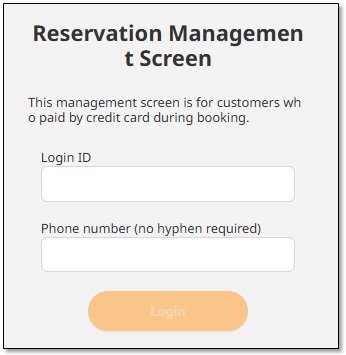
(1) Please access the following URL.
(2) Please enter your [Login ID] and [Phone Number].
Your login ID will be listed in 「Reservation completion notice」 email.
Please enter the phone number you registered on the accommodation reservation screen.
Once your reservation and payment are complete, you will receive a "Reservation completion notice" Email.
The email will contain the URL and login ID for the reservation management screen.
Was this helpful?
please let us know your thoughts.